For consultants and agencies
The analysis is done. The deck isn't. Close the gap without cutting corners.
Findings, options and recommendations need a clear storyline and slides a partner will sign off. Draft the structure with the client's question in mind, then refine in PowerPoint.
How it fits your workflow
Three steps, and you stay in control.
Nothing is generated, and no credits are spent, until you approve the outline.
- Step 01
Frame the question
Describe the client, the decision they face and the recommendation you're making. Paste interview notes and the numbers behind it.
- Step 02
Agree the storyline
Review the outline as you would a ghost deck: one message per slide. Reorder, merge or cut until the argument holds.
- Step 03
Hand over an editable file
Download a .pptx built from native text, charts and tables, so the team can keep working in the tool they already use.
Example decks · Graphite and Paper themes
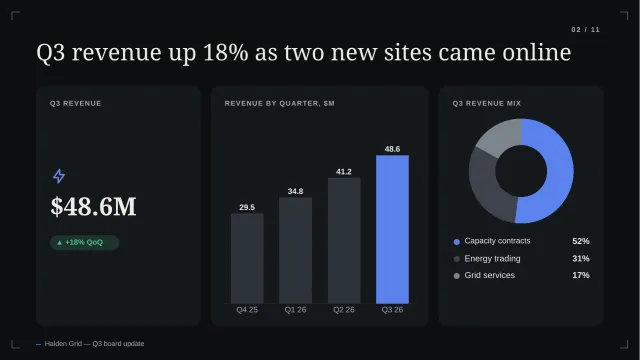
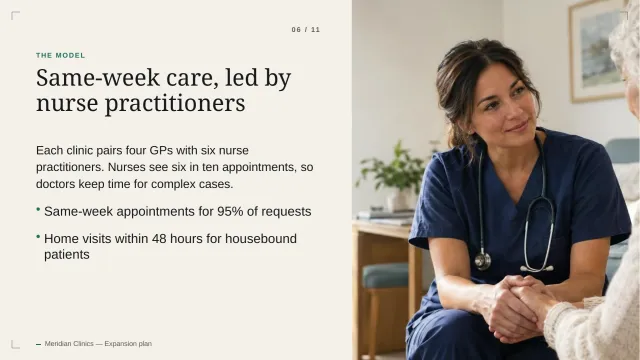
From an example strategy readout and expansion plan.
Generated from illustrative briefs for a fictional software company and a consumer membership business.
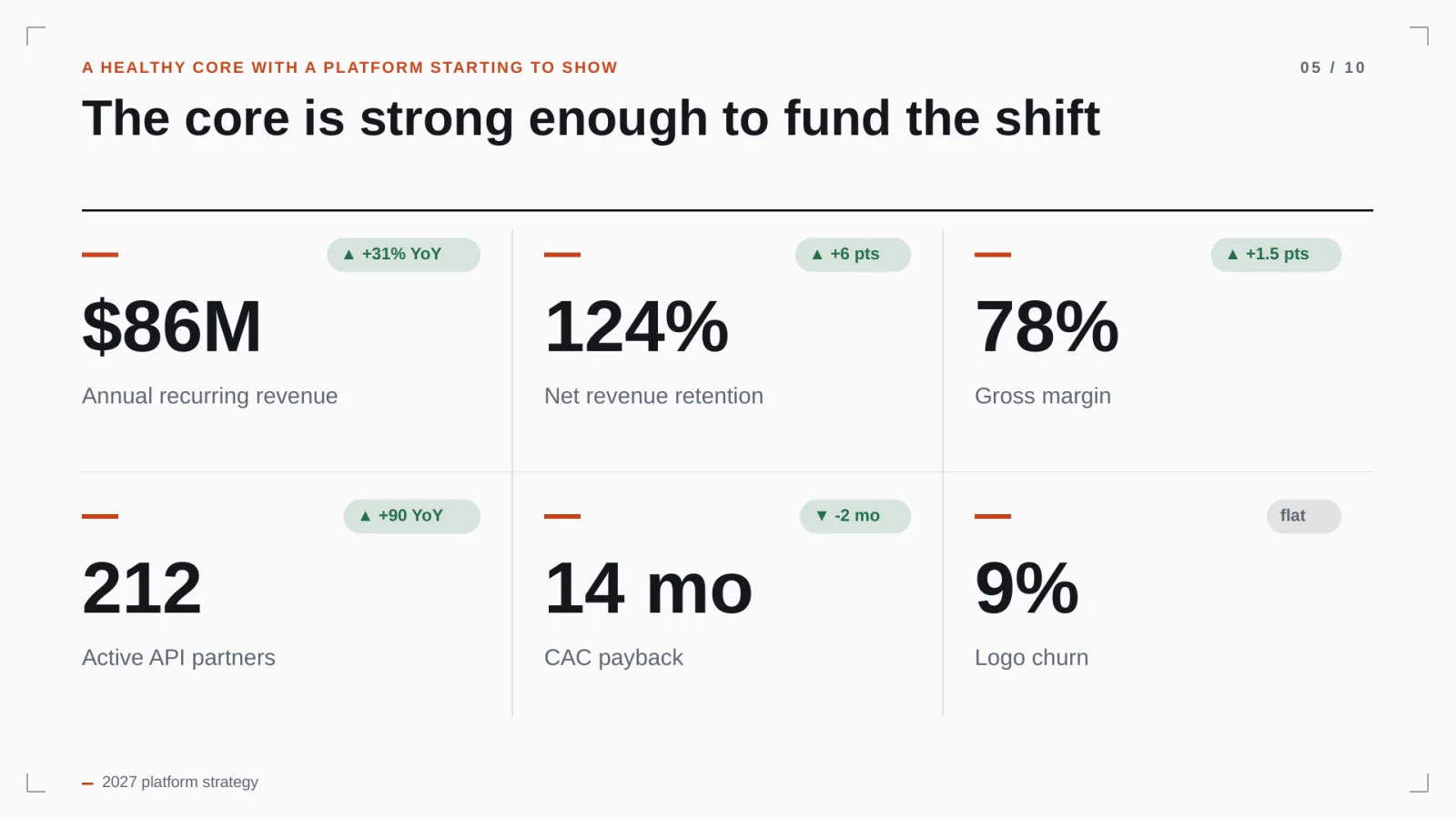
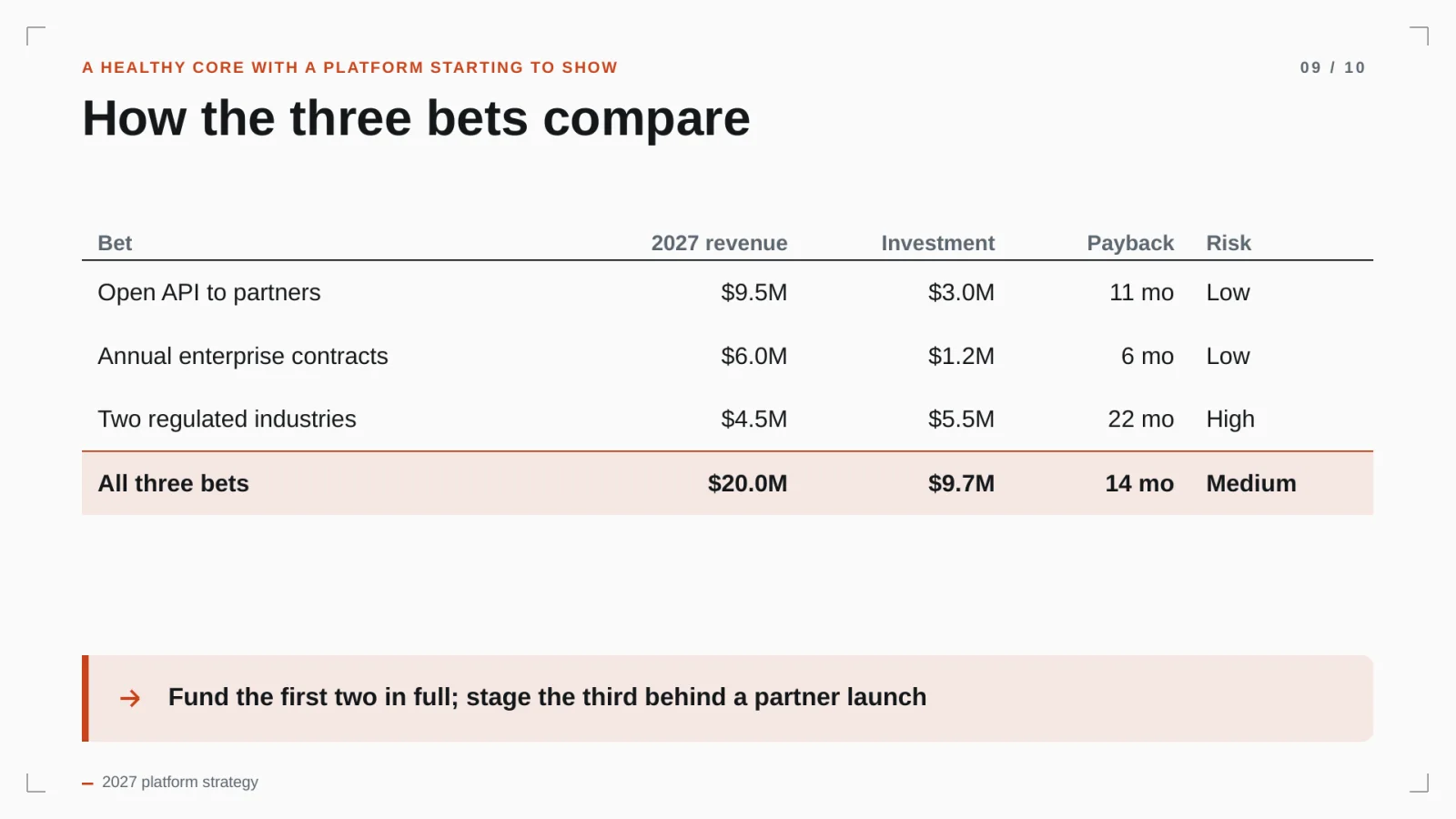
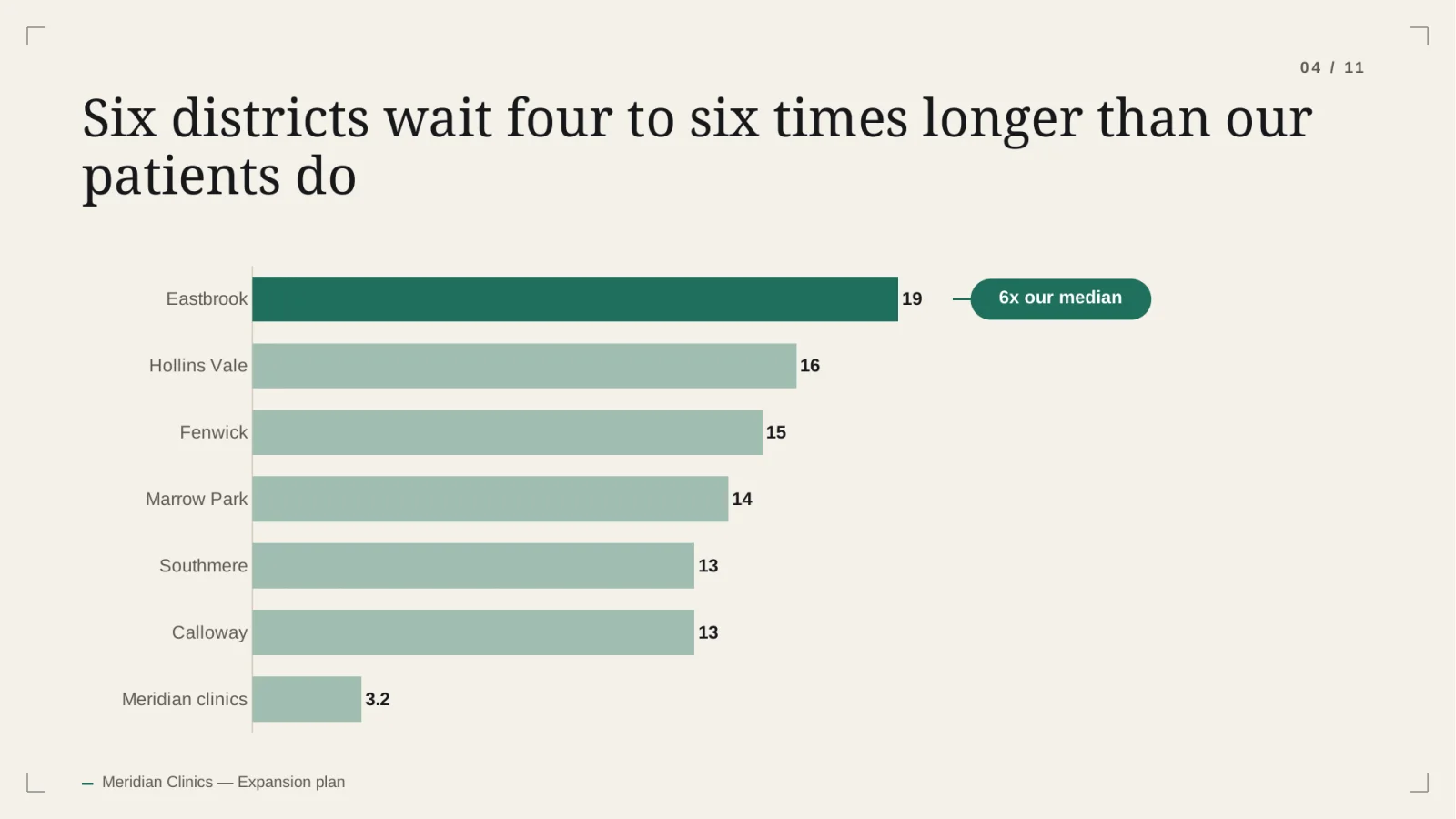
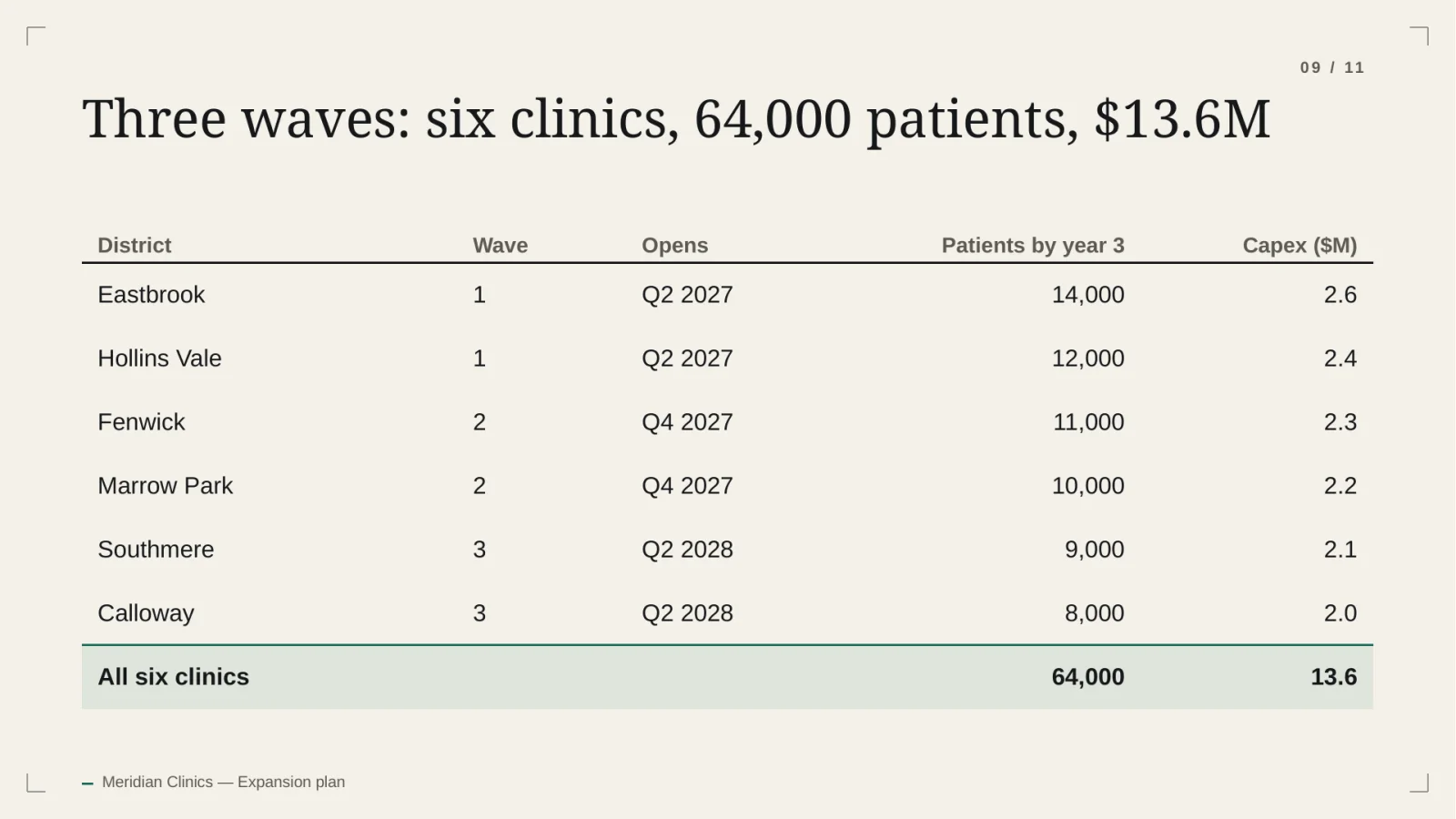
Illustrative content generated by the product. Companies and numbers are fictional.
FAQ
Questions, answered plainly.
Will it match our house style?
Built-in themes are available today. Brand kits with your own fonts, colours and logo are planned but not yet available.
Can several people work on decks?
The Business plan includes three seats sharing one workspace and one credit pool.
Is client material kept confidential?
Each workspace is isolated with row-level security, uploads and exports are kept in private storage, and model providers are used under API terms that exclude training on customer content.
Can I edit the output in PowerPoint?
Yes. Titles and bullets are normal text boxes, charts have their data embedded, and tables are real tables.
Also built for
Draft your next readout from the brief.
20 free credits. No card. Review the outline before you spend any of them.