
For sales teams
Every account deserves its own proposal. Not last quarter's deck with a new logo.
Good proposals speak to one buyer's numbers and one buyer's risks. Brief the account, approve the storyline and send a deck your champion can forward and edit.
How it fits your workflow
Three steps, and you stay in control.
Nothing is generated, and no credits are spent, until you approve the outline.
- Step 01
Brief the account
Describe the buyer, their cost or risk today, and what you're proposing. Paste discovery notes and the figures you've agreed.
- Step 02
Check the story
Review the outline: where the cost is, how the work runs, the expected result, the terms. Remove anything the buyer won't need.
- Step 03
Send a file they can use
Download a .pptx with native charts and pricing tables your champion can adapt for their own internal pitch.
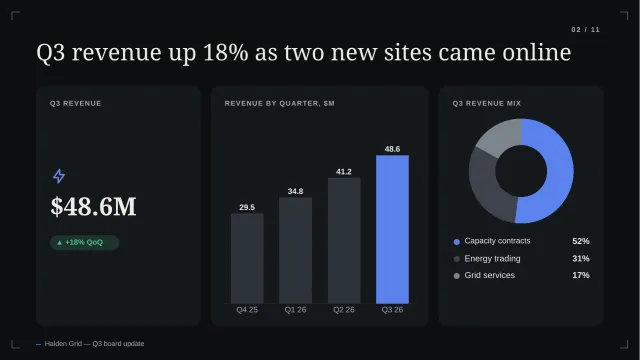
Example decks · Harbor theme
From an example pilot proposal.
Generated from illustrative briefs for a fictional software company and a logistics prospect.
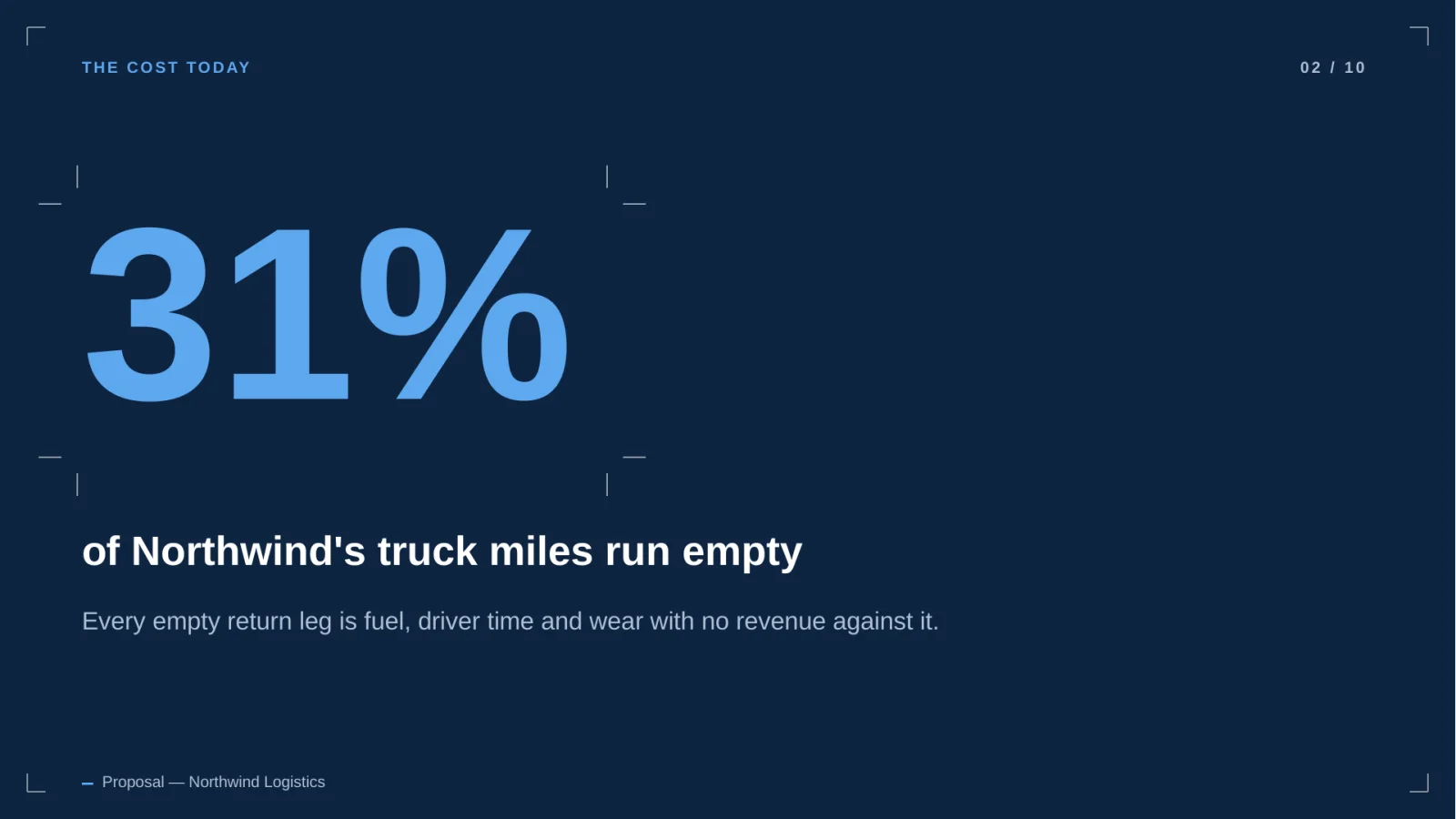
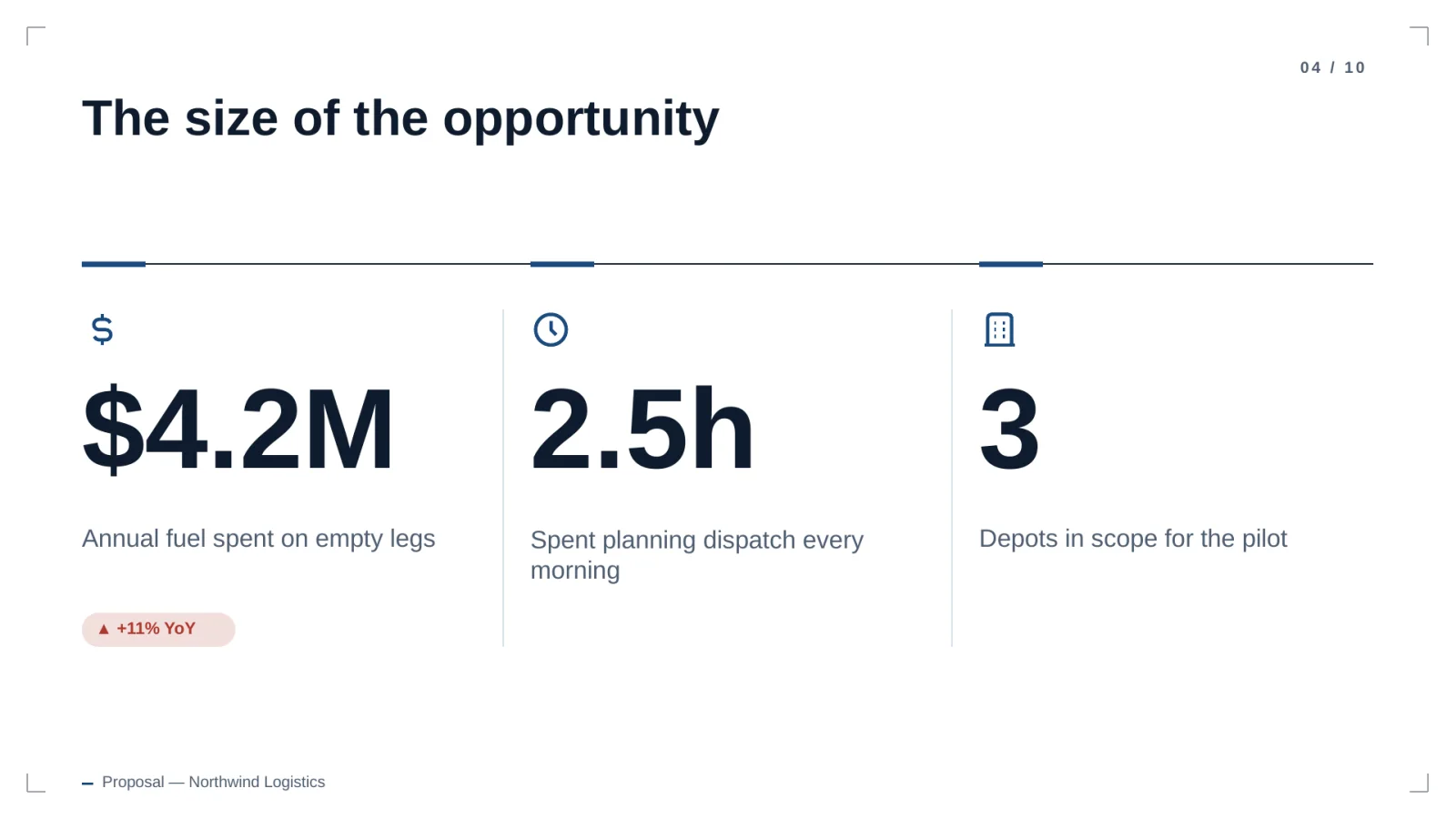
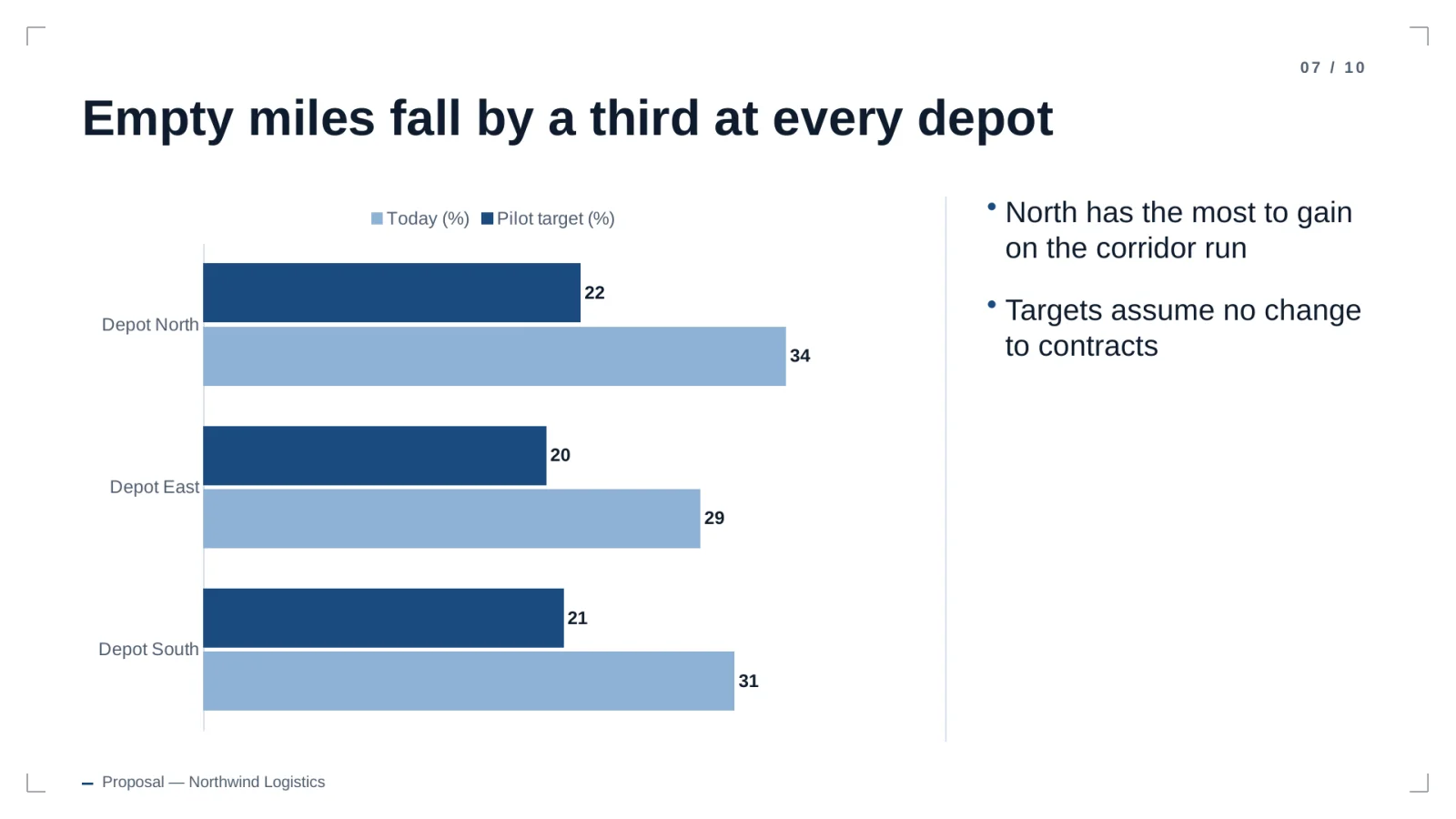
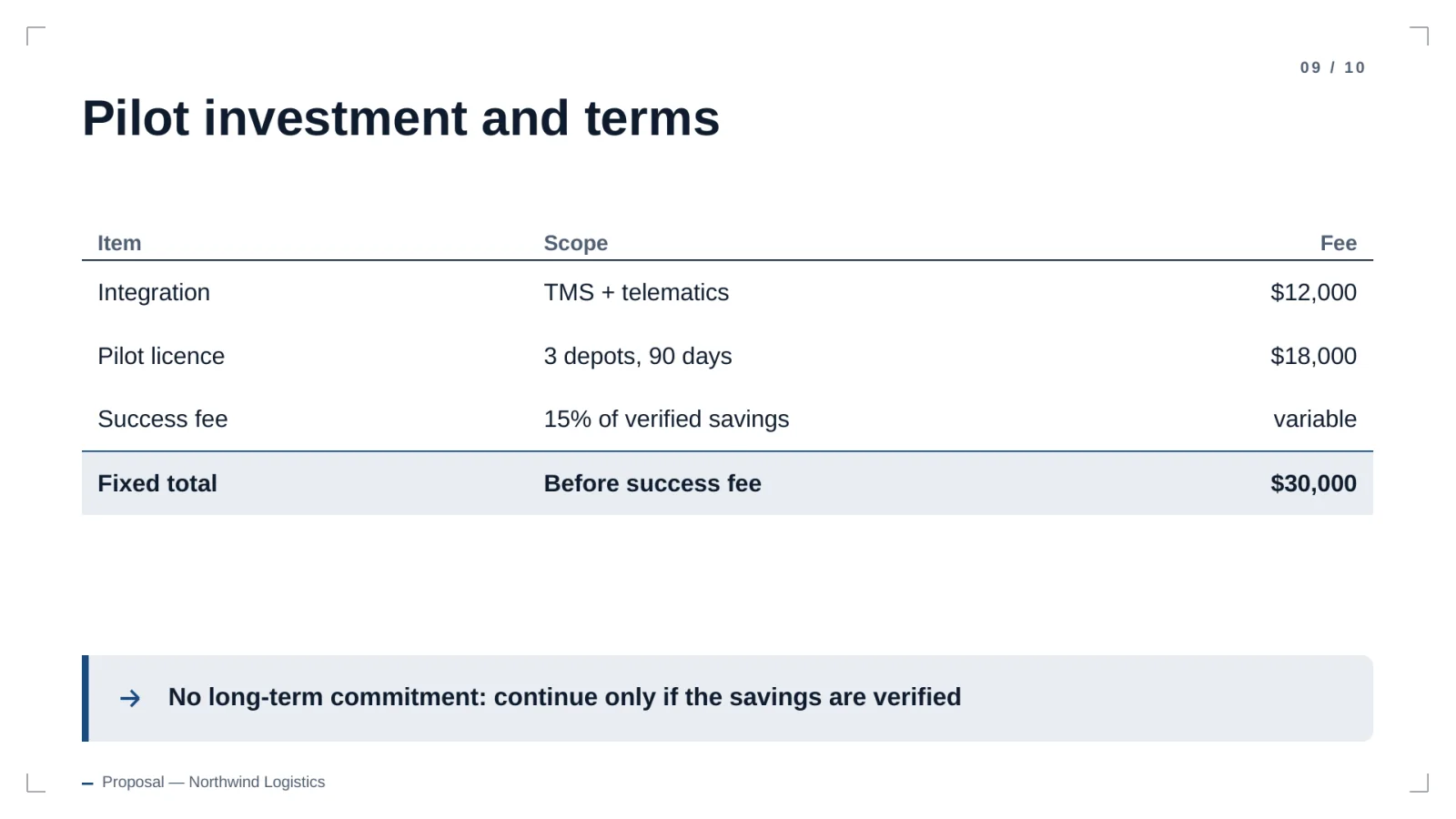
Illustrative content generated by the product. Companies and numbers are fictional.
FAQ
Questions, answered plainly.
Can I reuse a proposal for another account?
Yes. The download is a normal PowerPoint file, so you can duplicate it and edit text, chart data and tables like any deck.
Can I add pricing tables?
Yes. Tables are generated as native PowerPoint tables, so you can add rows or change figures after download.
Does it connect to our CRM?
Not today. You paste the account details and notes into the brief.
How is account data protected?
Workspaces are isolated with row-level security, files stay in private storage, and model providers are used under API terms that exclude training on your content.
Also built for
Write your next proposal from the brief.
20 free credits. No card. Review the outline before you spend any of them.